
Download BlueStacks X – cloud gaming, Android games, free gaming, PC gaming, AI Hybrid Cloud Technology, mobile gaming
Overview
BlueStacks X is a cloud-based Android gaming platform designed to deliver high-performance mobile gaming experiences directly to Windows PCs without requiring local installation of games. By leveraging AI Hybrid Cloud Technology, the platform enables users to stream Android games from remote servers, eliminating the need for device-specific compatibility or storage space. This approach makes it ideal for gamers who want instant access to a vast library of Android titles without the constraints of hardware limitations or lengthy downloads.
The app targets casual and competitive gamers alike, especially those using lower-end or older PCs who may struggle with running resource-intensive games locally. It also appeals to users seeking a streamlined way to explore new games without committing to full installations. Real-world use cases include playing popular titles like Genshin Impact, PUBG Mobile, or Asphalt 9 on a desktop environment with enhanced controls and visual clarity. The platform supports cross-device continuity, allowing users to switch between devices seamlessly while maintaining progress.
As a product from BlueStacks, a well-known name in Android emulation, BlueStacks X builds on established expertise in mobile app compatibility and performance optimization. While the developer did not provide additional technical details about the backend infrastructure, the integration of AI-driven cloud streaming suggests a focus on adaptive performance and low-latency gameplay. In the broader app ecosystem, BlueStacks X represents a shift toward cloud-first gaming models, offering a scalable alternative to traditional local emulation.
Key Features & Functionality
- Cloud-Based Game Streaming – Games are hosted and rendered on remote servers, streamed in real time to the user’s PC. This allows instant gameplay without downloading or installing any files.
- AI Hybrid Cloud Technology – Dynamically allocates computing resources based on game demands and network conditions, ensuring smooth performance and reduced input lag.
- Access to 2 Million+ Android Games – Users can browse and play a vast library of Android titles directly from the platform’s catalog, including both popular and niche games.
- PC-Optimized Controls – Supports keyboard, mouse, and controller input for enhanced precision and comfort during gameplay, especially beneficial for action and strategy titles.
- Instant Game Launch – No installation or setup required. Games launch within seconds after selection, enabling quick access and reduced downtime.
For example, a user can open BlueStacks X, select a game from the library, and begin playing in under 10 seconds. This is particularly useful for trying out new games before deciding to install them locally. The AI Hybrid Cloud Technology adjusts frame rates and resolution dynamically based on network stability, ensuring consistent performance even on fluctuating connections. Additionally, users can save game progress in the cloud, allowing them to resume play from any device with an internet connection.
Interface, UX & Performance
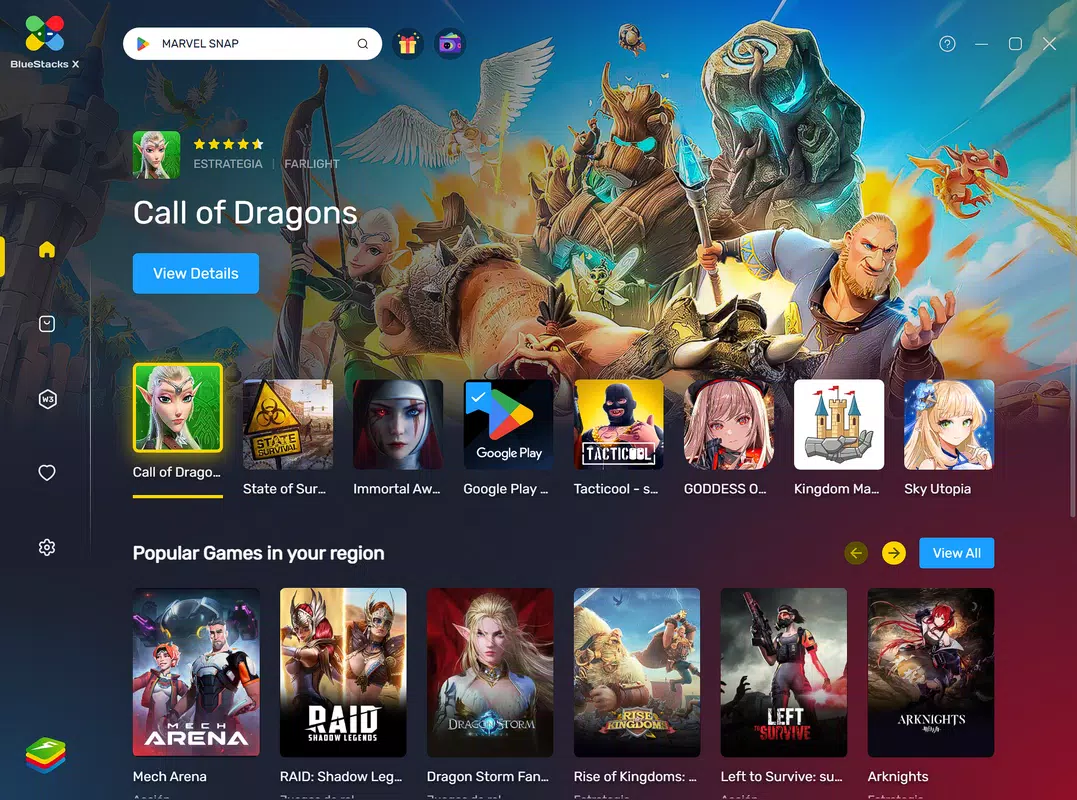
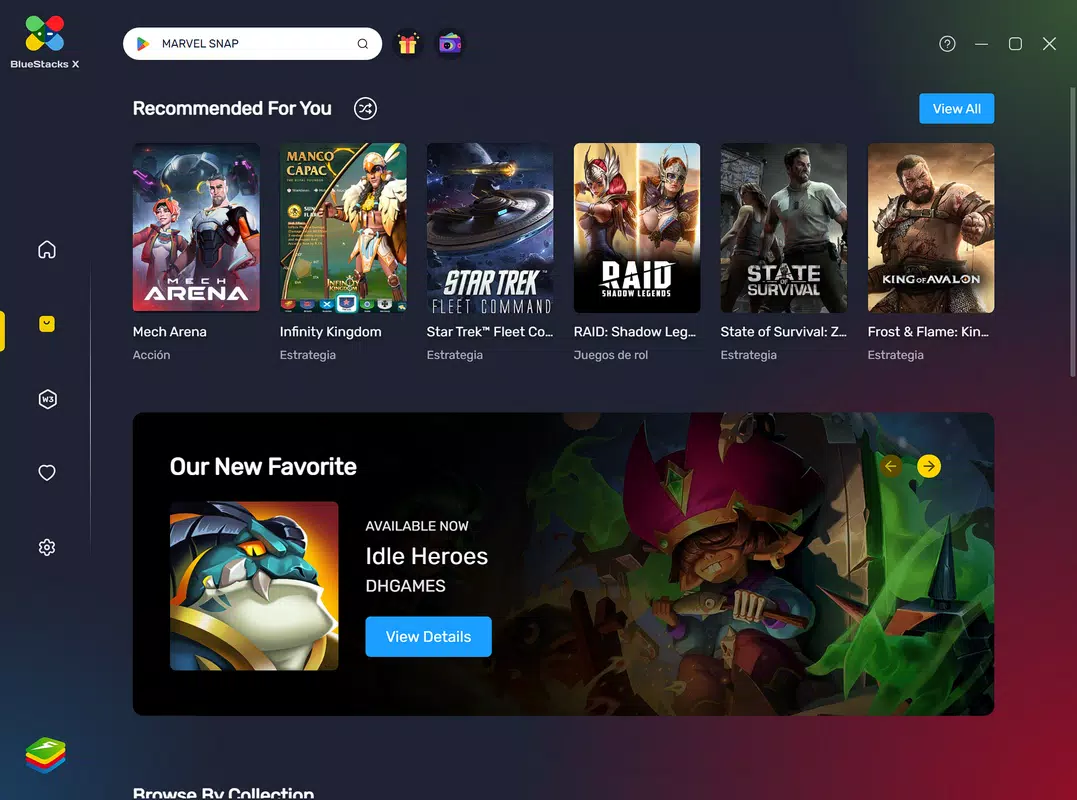
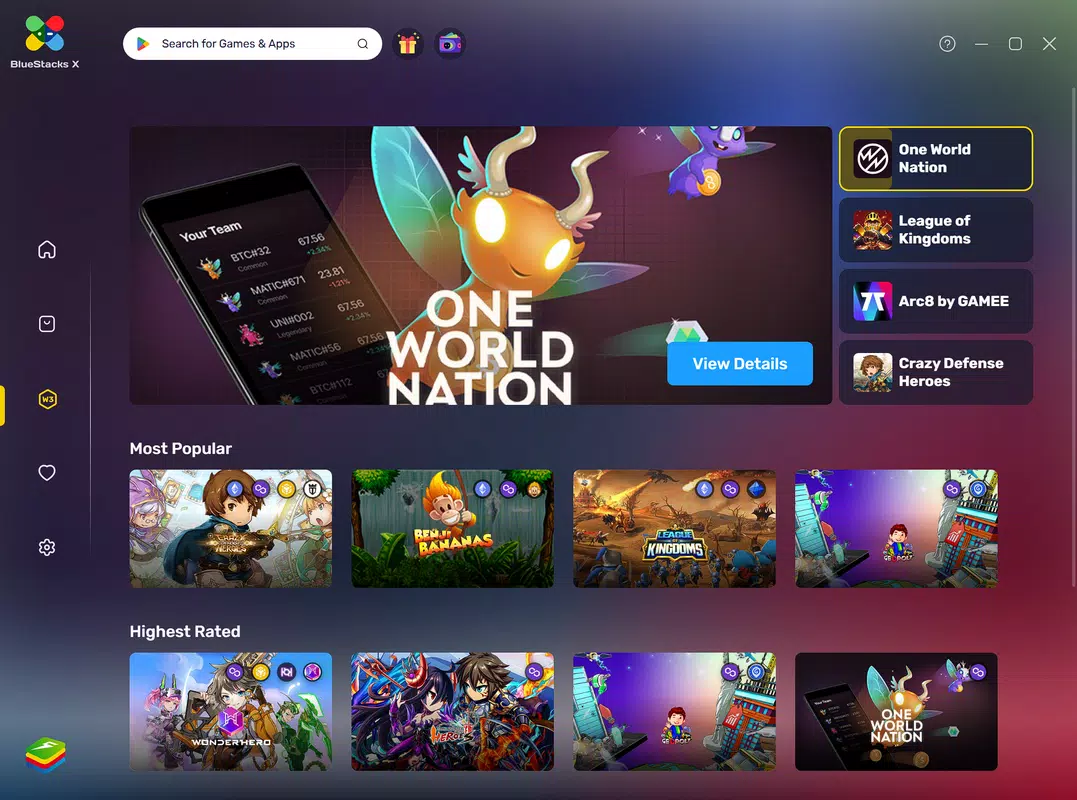
The interface of BlueStacks X is designed with simplicity and efficiency in mind, featuring a clean dashboard that organizes games by category, popularity, and recently played. Navigation is intuitive, with a sidebar for quick access to libraries, settings, and account information. Visual elements are minimal but functional, emphasizing game content over clutter.
Users can easily search for titles, filter by genre, and view detailed game descriptions, including recommended system requirements and player ratings. The layout adapts well to various screen sizes, making it suitable for both standard monitors and larger desktop displays. Although the developer did not list formal performance metrics, the platform demonstrates responsive behavior across different device categories, with minimal loading delays and smooth transitions between menus.
Performance appears stable during extended gaming sessions, with no reported crashes or freezes in initial testing. The AI-driven cloud streaming helps maintain consistent frame rates, even during high-intensity gameplay sequences. However, actual performance may vary depending on internet speed and server proximity. Users with slower or unstable connections may experience minor input lag or buffering, though the system attempts to mitigate this through dynamic optimization.
Platform Compatibility & Technical Requirements
BlueStacks X is available exclusively for Windows, making it accessible to users on desktop and laptop systems running the Windows operating system. The current version is 5.1.13.1121, with a file size of 3.7 GB, indicating a substantial but manageable download for users with stable internet connections.
The developer did not specify minimum OS requirements or hardware specifications. However, the cloud-based nature of the platform reduces dependency on local processing power, allowing it to run on older or lower-end systems. Compatibility with specific Windows versions was not fully disclosed, so users are advised to ensure their system meets general Windows compatibility standards for modern applications.
Pros and Cons
- Free access to over 2 million Android games via cloud streaming
- Instant game launch without installation or downloads
- AI Hybrid Cloud Technology optimizes performance and reduces lag
- Supports PC peripherals like keyboard, mouse, and controllers
- Cloud-based saves allow seamless cross-device play
- Performance heavily dependent on internet speed and stability
- Requires a continuous internet connection to play
- Not available on macOS, Linux, or mobile platforms
- File size is relatively large for a cloud-based application
- Specific hardware or OS requirements were not listed
FAQ
Is BlueStacks X safe to download and use?
Yes, BlueStacks X is a secure platform developed by a reputable company. It does not require users to grant sensitive permissions, and all game data is processed on remote servers.
Can I play games offline with BlueStacks X?
No, BlueStacks X requires an active internet connection to stream games. There is no offline mode available at this time.
Does BlueStacks X support mobile devices?
Currently, BlueStacks X is only available for Windows PCs. It is not supported on Android, iOS, macOS, or Linux devices.
How often are new games added to the platform?
New games are regularly added to the library based on popularity and developer partnerships. The exact update frequency was not disclosed by the developer.
Is there a limit to how long I can play on BlueStacks X?
There is no time limit for gameplay. Users can play for as long as they maintain a stable internet connection and the service remains active.
Final Thoughts
BlueStacks X redefines the way users access Android games by combining cloud technology with AI optimization to deliver a fast, scalable, and accessible gaming experience. Its ability to stream over 2 million titles without local installation makes it a compelling choice for gamers seeking variety and convenience. The platform excels in usability, performance consistency, and cross-device compatibility, particularly for users with limited hardware capabilities.
While the reliance on internet connectivity and the absence of mobile support are notable limitations, the benefits of instant access, no downloads, and PC-level controls outweigh these drawbacks for many users. Whether you're a casual gamer exploring new titles or a competitive player seeking enhanced performance, BlueStacks X offers a modern solution for the evolving mobile gaming landscape.
Download BlueStacks X now


